SkyDrop
AirDrop for everything. Send files phone to PC, no account, no upload.
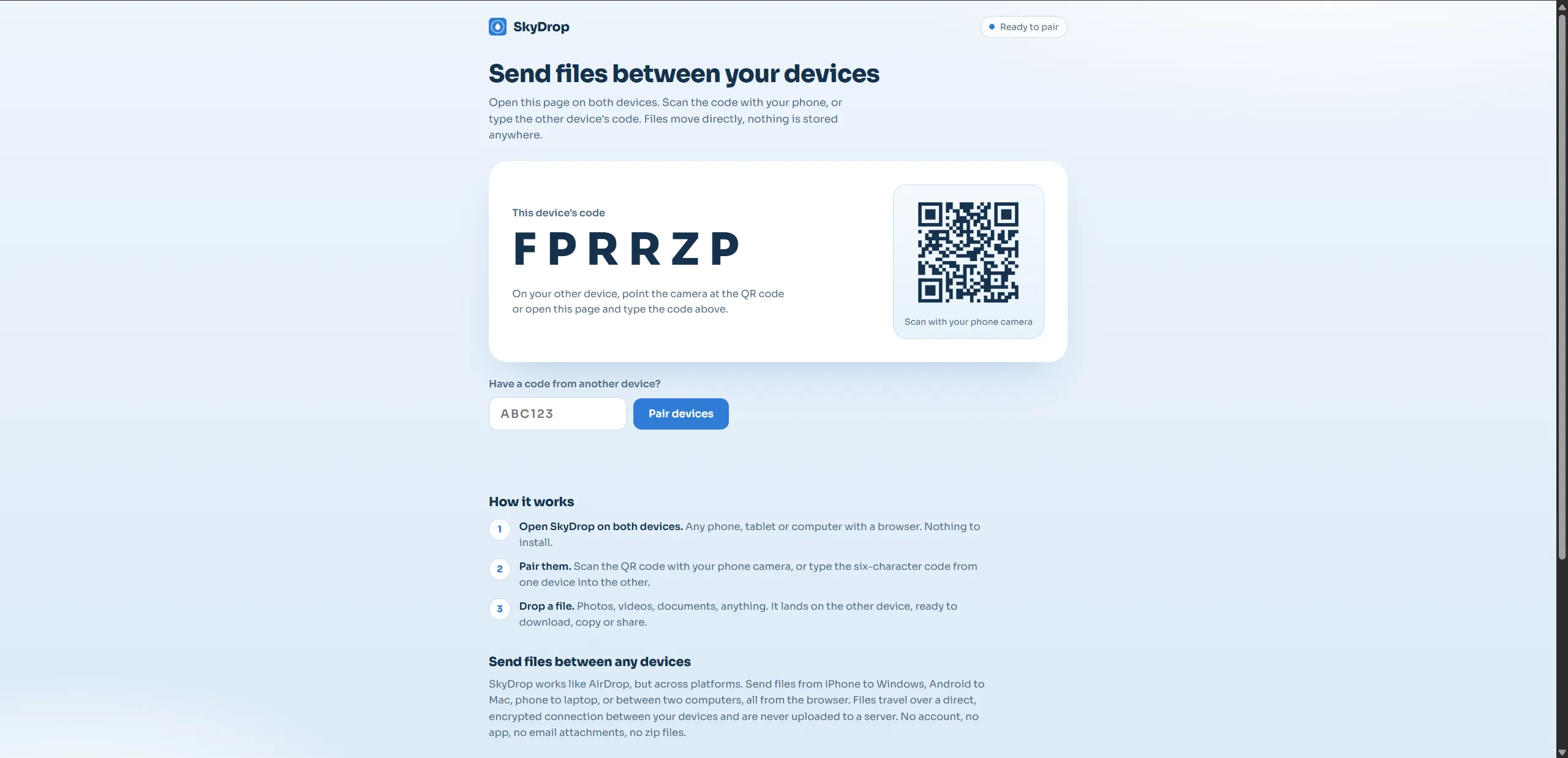
SkyDrop moves files straight between two devices in the browser. Open the same page on a phone and a computer, pair them with a short code or a QR scan, and drop a file. It lands on the other device. There is no app to install, no account, and nothing is uploaded to a server.
Peer to peer, not upload and download
The transfer runs over WebRTC through PeerJS, so the two devices talk directly to each other and the file never passes through a server. Pairing is a six-character code or a QR code, which is why it works the same from an iPhone to Windows or from Android to a Mac. It is AirDrop’s convenience without AirDrop’s platform lock-in.
The Android problem
Direct peer connections do not always form. On some Android networks the ICE negotiation never completed and the transfer hung. The fix was a TURN relay (via Metered) as a fallback path: the devices still try to connect directly first, and only when that fails does traffic route through the relay, so the transfer completes instead of silently stalling.
Screens
-
Ready to pair. A six-character code and a QR code for the other device.
-
Paired. Drop a file and it lands on the other device.
-
On an iPhone: type the other device's code, or show your own.
-
The pairing card up close.